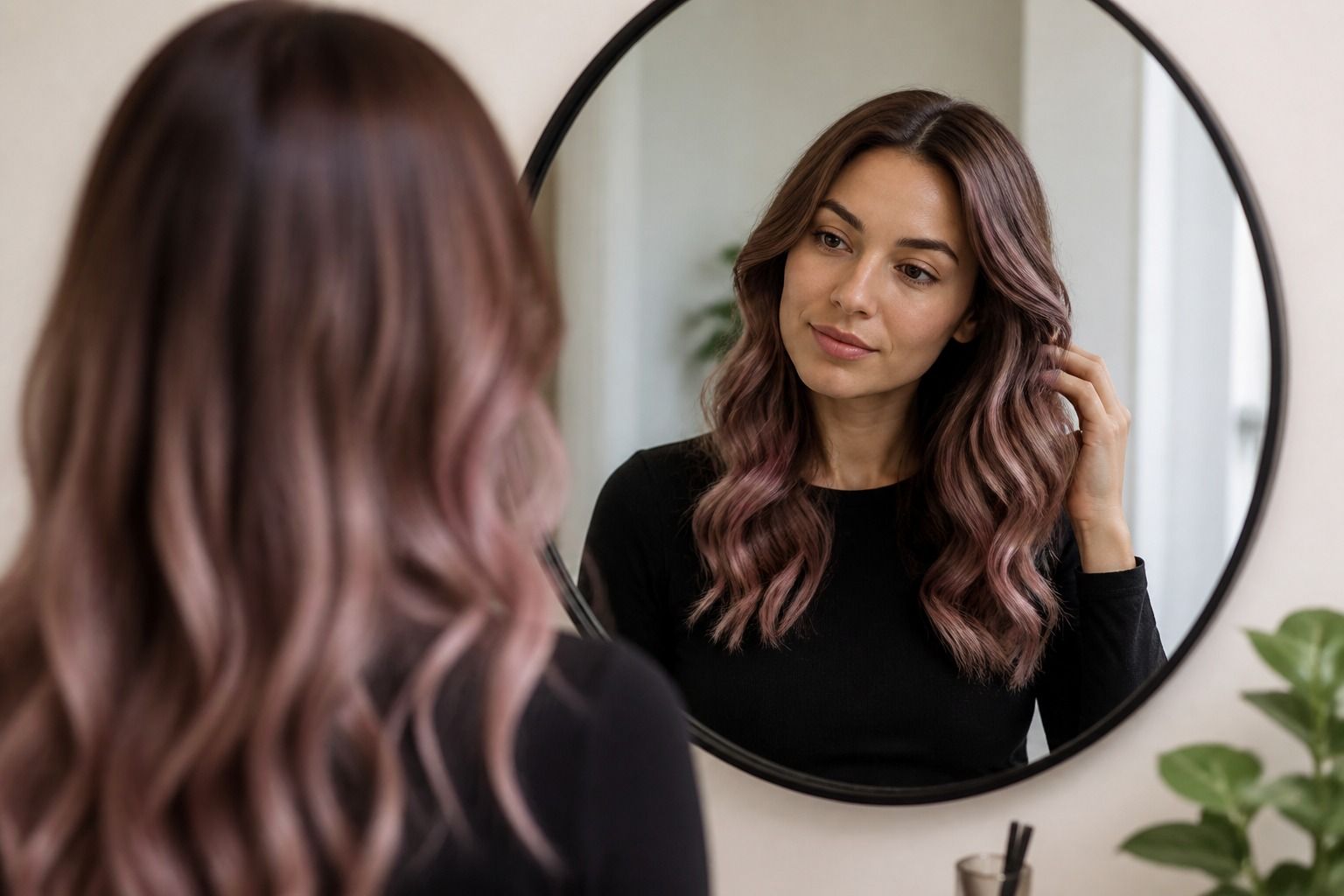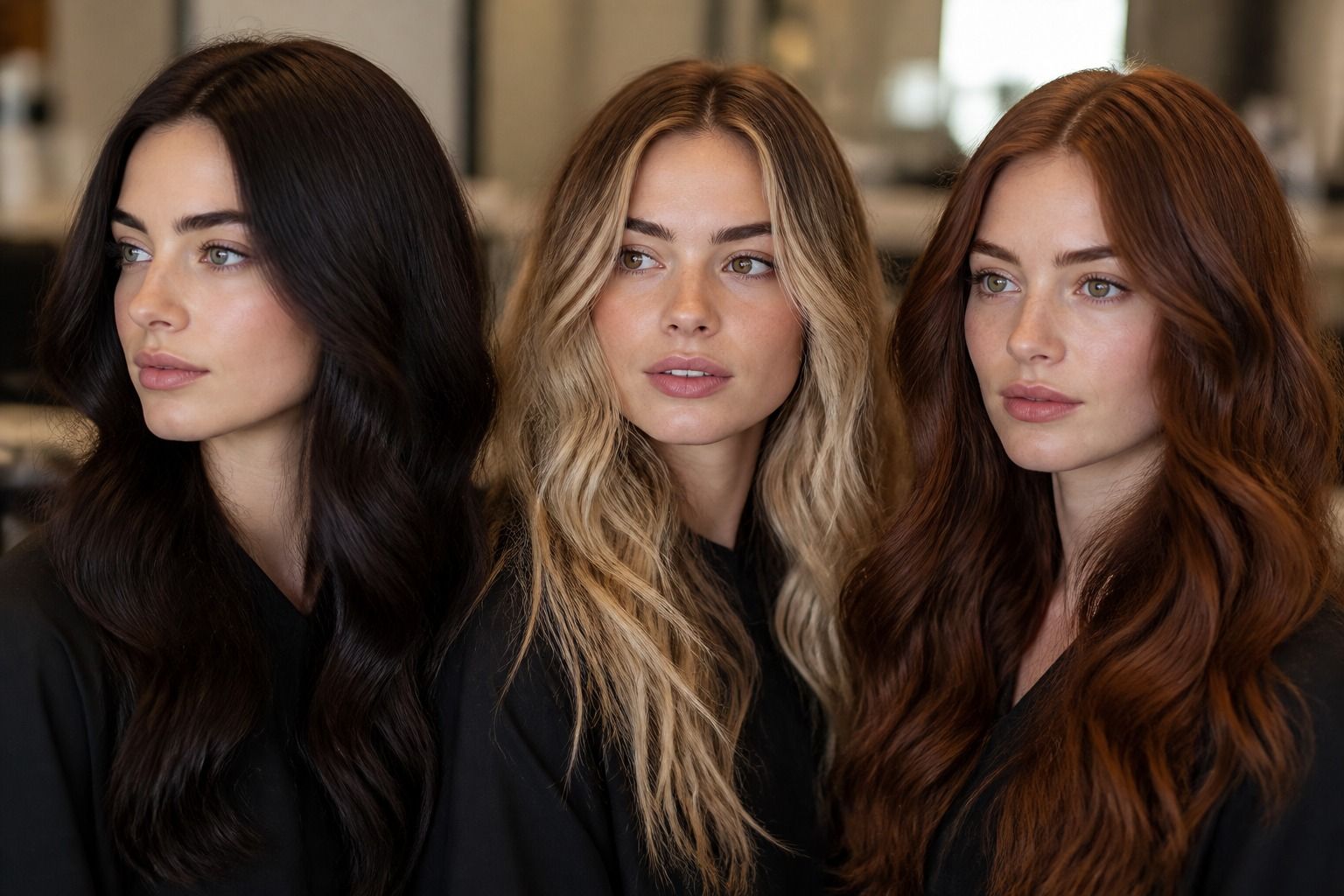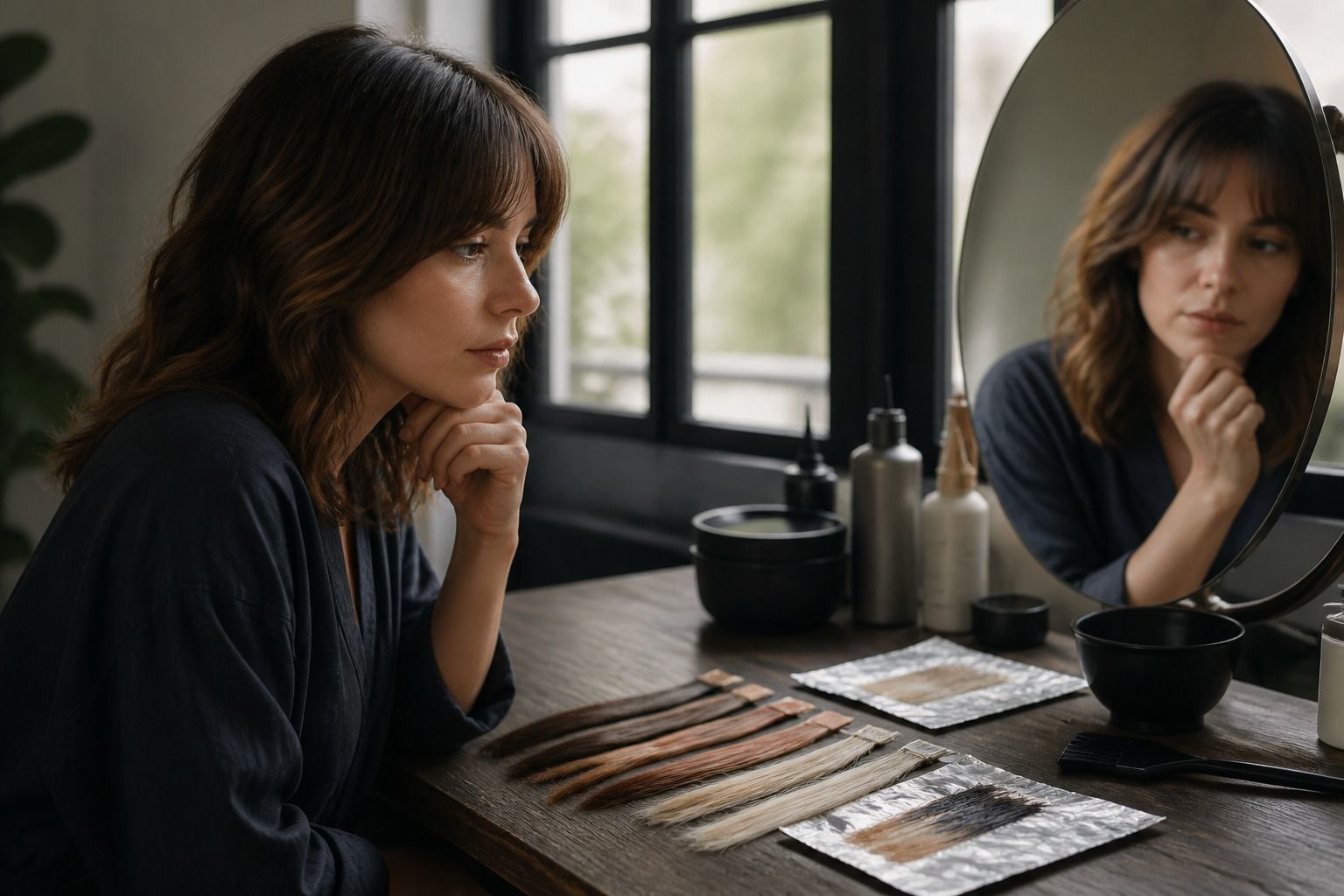
A hair color try on can answer one useful question quickly: do you like the direction of this shade on your face? A hair color simulator cannot reliably answer how many hours of lightening you need, how your old dye will react, or whether porous ends will grab the toner too dark. The safest way to use a digital preview is to treat it as a visual conversation starter, then bring the chemistry back into the decision.
What a simulator can show well
Digital previews are good at broad visual comparisons. They can show whether a cooler brunette feels calmer than a warm chestnut, whether copper makes the eyes look brighter, or whether a deep shade gives a short haircut enough contrast. They are also useful for noticing the relationship between color and shape. A blunt bob may look intentional in a dense shade, while long layers may need lighter movement to avoid looking heavy.
Use the same photo while comparing one family at a time. Keep the hair loose, face the camera, and avoid filters that change skin tone or camera white balance. A simulator may make a blue-based shade look gray in a cool room and make a golden shade look more orange under indoor bulbs. Save the original image beside every preview so you can tell whether the hair changed or the lighting changed.
The preview is also good for identifying what you do not want. A deep espresso may feel too severe, a pale blonde may make the brows look disconnected, or a red-violet may be more vivid than your everyday clothes. Those reactions are valuable even when the exact digital shade is not achievable. They give a colorist a clearer boundary than a vague request for something different.
Why it cannot predict the first bleach session
A screen can replace the visible hair with a new color, but it does not remove the pigment that is already inside your hair. Lightening depends on your natural level, previous permanent dye, semi-permanent color, henna, mineral buildup, and the condition of the lengths. If a simulator shows pale beige blonde over dark brown hair, it has skipped the lift level required to reach that background.
Underlying pigment appears as hair lightens. Dark hair may pass through red and orange, medium brown may reveal orange or gold, and darker blonde may expose yellow. Toner can refine the final tone after the hair reaches a suitable level, but toner is not a magic eraser for insufficient lift. If the desired shade is much lighter or much cooler than the starting point, a staged plan may be safer than trying to match a single preview in one appointment.
Old color makes the situation less predictable. Permanent color generally does not become lighter simply because a lighter box dye is applied on top. A colorist may need a remover, a controlled lightening service, or a cut that removes the most processed ends. The digital image has no way to know which sections contain old dye. That is why a realistic consultation begins with your color history, not with the shade name shown beneath a filter.
| Digital preview suggests | Real-world question | What may affect the answer |
|---|---|---|
| Pale blonde | What lift level is needed before toner? | Natural depth, old dye, bleach tolerance, and warm underlying pigment |
| Cool brown | Can warmth be neutralized without making the result flat? | Existing orange tones, porosity, and the chosen color deposit |
| Bright copper | Will the base be light enough for the tone to show? | Starting level, gray percentage, and how the shade is expected to fade |
| Even dark color | Will roots, mids, and ends accept the color equally? | Porosity, previous highlights, gray coverage, and product buildup |
Check your underlying pigment
You do not need to diagnose your hair like a chemist, but you should inspect it honestly before trusting the simulator. Look at the roots in daylight and compare them with the mids and ends. Are the roots natural, warmer, or darker? Do the ends look faded, translucent, or much lighter? Has the hair been highlighted underneath a newer brown? These details explain why one flat digital color may become several different shades in real life.
Porosity changes the way color deposit behaves. Highly porous ends can absorb a cool toner quickly and look smoky or dull, then fade unevenly after washing. Healthy, resistant roots may take a shade more slowly and remain warmer. A preview smooths these differences into one surface. When you see an even digital result, ask whether your hair is actually even enough to accept it that way.
Warm roots deserve their own check. If the lengths are light but the roots are dark, a cool screenshot may hide the orange stage that appears near the scalp. For gray coverage, the issue is different: resistant silver strands may need enough natural support in the formula, while overly dark coverage can create a hard line as it grows. Bring photos of the roots in daylight and describe where gray or warmth is strongest.
Turn a screenshot into a useful salon question
A screenshot becomes practical when you label what you like about it. Is it the level, the temperature, the brightness around the face, or the contrast with the haircut? Say that plainly. I like the muted cool brown but not the dark roots is more useful than I want this exact color. If you have a second preview, explain what changed between them and which difference matters more.
Ask about the path, not only the destination. Could this be achieved with color deposit alone, or would bleach be needed? What warmth is likely to appear during lift? Would a root melt make the grow-out easier? Should the ends receive a weaker formula because they are porous? How long would the first appointment realistically take, and what maintenance would the color need after the first fade?
Do not hide unsuccessful experiments. If a simulator made one version look orange, flat, or too dark, show it and say why it failed. A colorist can use that reaction to steer the consultation. A collection of carefully chosen dislikes can be as useful as a mood board full of ideal results.
Use a strand test when the change is large
A strand test is the reality check when the gap between your current hair and the preview is significant. It can reveal how the existing pigment lifts, whether the ends absorb too much color, and how the selected toner looks once the hair is dry. It does not predict every strand on the head, but it gives you evidence that a screen cannot provide.
Choose a hidden section that represents the most difficult part of the hair, not only the healthiest piece at the nape. If your roots are dark and the ends are highlighted, the two areas may need separate tests. Ask the colorist to show the strand in daylight and indoor light, then look at it after it has been rinsed and dried. Wet hair can appear darker and more saturated than the finished result.
Plan for fade as well as day one. Copper, red, vivid fashion shades, and very cool toners can change noticeably over the first several washes. A digital preview usually shows a fresh, even finish with no roots and no product buildup. Use it to choose a direction, use your hair history to set expectations, and let the strand test decide whether the large change deserves a full appointment.